
Some links in this article are affiliate links. If you buy through them, we may earn a commission at no extra cost to you.
A good lock buys you time. It does not buy your bike back. Once a thief cuts through — and a determined thief with an angle grinder can cut through most locks in under a minute — the lock has done its job and failed anyway. That is the moment a tracker earns its keep. A hidden tracker turns “my bike is gone” into a location on a map, and a location is the one thing a police report can actually act on.
In this guide
There is a catch, and it matters more than the brand you buy: most of the trackers people put on bikes are not GPS trackers at all. They are Bluetooth tags. They work brilliantly in some situations and not at all in others, and the difference decides whether you ever see your ride again. This guide explains the difference first, then the three trackers that fit most riders, then where to hide one so a thief does not find it in ten seconds.
💡 The short answer
If you ride an iPhone, start with an Apple AirTag hidden in the frame. If your household is Android, or mixed, start with a Tile Pro or a Samsung Galaxy SmartTag2. All three are Bluetooth tags: cheap, no monthly fee for basic finding, and very good in a city, where other people’s phones pass your bike constantly. If your bike or scooter is worth a lot to you and you park it in quiet places, a Bluetooth tag alone is not enough — you want a real cellular GPS tracker too, one that reports its own location whether or not anyone walks past. We have not verified a cellular tracker listing we are willing to link yet, so this guide names the category honestly and tells you what to check, instead of linking a box we have not checked.
📡 Bluetooth tag vs real GPS — the difference that decides everything
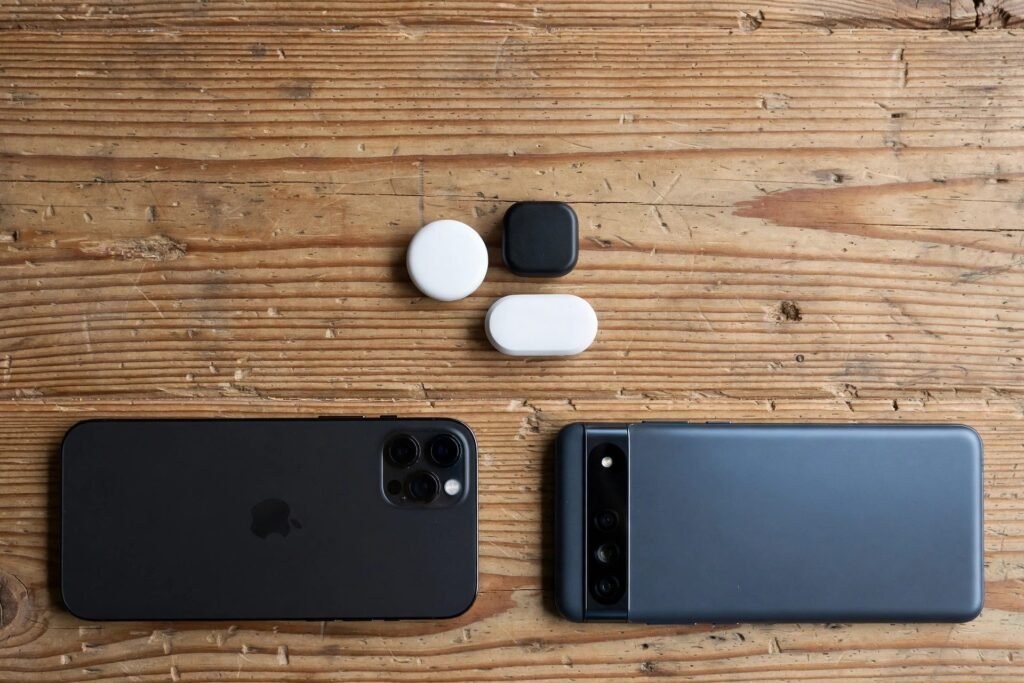
A Bluetooth tag — AirTag, Tile, SmartTag — has no GPS chip and no mobile connection of its own. It shouts a short-range Bluetooth signal, and it only shows up on a map when a stranger’s phone walks past it and relays the ping. In a busy city that happens every few minutes, because there are millions of iPhones and Android phones around. In a quiet suburb, a thief’s garage, or a van driving across town, it can go silent for hours.
A cellular GPS tracker is the opposite. It has its own GPS receiver and its own mobile connection, so it reports its own location in real time, anywhere with signal, whether or not another phone is nearby. That is what actually follows a stolen ride across a city. The trade-off is the price: the device costs more, and it usually needs a monthly plan. Neither type prevents theft. The lock prevents theft; the tracker recovers it. Buy the lock first, then the tracker.
One more honest point before the picks. A tracker helps the police recover your ride; it does not give you permission to go and take it back yourself. If the map shows your bike inside a building you do not own, call the police and give them the location. People have been hurt going after a dot on a map. The tracker is a tool for the report, not for a confrontation.

🏷 The three tags that fit most riders
All three below are Bluetooth tags. They are the right starting point because they are cheap, they need no subscription for basic finding, and their batteries last around a year. Pick by the phone in your pocket, not by the brand on the box — a tag only works well inside its own phone network.
The Apple AirTag (2nd Generation) is the pick for iPhone riders. It rides on Apple’s Find My network, which is the biggest crowd of passing phones there is, so in a city it pings more often than anything else. The second-generation tag has a stronger Precision Finding chip and a louder chime than the original, so when you are close you can follow the on-screen direction and listen for it. The battery is a replaceable coin cell that lasts around a year, and the tag is water and dust resistant. The catch is the obvious one: it only works properly with an iPhone. Android users can detect a nearby AirTag, but they cannot use it as their own tracker. Check latest price for the Apple AirTag (2nd Generation) 4 Pack — four tags covers the bike, the scooter, your bag and your keys, which is the sensible way to buy them.
The Life360 Tile Pro is the pick for mixed households and Android riders. It works with both iPhones and Android phones through the Tile app, so it is the one to buy when your household does not all use the same phone. It has the longest Bluetooth range of the three here — up to 500 feet — and the loudest ring, which matters when you are hunting for a bike in a car park or a hallway. It is water resistant, the battery is a replaceable cell that lasts around a year, and basic finding needs no subscription. The paid plan adds extras like smart alerts when your bike moves, but you do not need it for the tracker to do its main job. Check latest price for the Life360 Tile Pro 4-Pack.
The Samsung Galaxy SmartTag2 is the pick for Samsung and Galaxy phone owners. It rides on Samsung’s SmartThings Find network, which is the Android equivalent of Find My — strong in places where Galaxy phones are common, weaker where they are not. It has a compass-style view that points you toward the tag when you are close, and it is water and dust resistant with a replaceable coin battery. The hard limit is the phone: it needs a Samsung Galaxy phone or a recent Android phone running the SmartThings app, and it will not help an iPhone owner at all. Check latest price for the Samsung Galaxy SmartTag2 1 Pack.
If you ride with a friend or a partner and you share the bike, buy the tag that matches the phone of the person most likely to be looking for it. A tag on the wrong network is a small plastic disc doing nothing.
🛰 What about a real GPS tracker?
If your e-bike or scooter cost you serious money, or you regularly leave it somewhere quiet — a side street, a small town, a workplace car park at night — a Bluetooth tag has a real weakness: no passing phones means no location updates, and a thief who knows about tags will check the obvious hiding spots first.
A cellular GPS tracker fixes that. It reports its own location every few minutes, it can send you a movement alert the moment the bike is touched, and some models let you draw a geofence around your home so you get warned the second the bike leaves it. The price is a monthly plan on top of the device, and the battery needs charging every few weeks instead of once a year. The best-known names in this category are Invoxia, LandAirSea and Tracki, and several scooter guides recommend them — but we have not verified a live listing for any of them, so we are not linking one here. A tracker you cannot verify is worse than no recommendation: it sends a reader to a listing that might be out of stock, a different model, or gone entirely. When we have a verified listing, this guide will be updated.
In the meantime, the honest middle ground is two layers: a Bluetooth tag hidden in the frame for the city, plus the habits that make recovery possible at all — a photo of the serial number, the frame number written down somewhere that is not on the bike, and a lock that makes your bike the harder target on the rack. The tracker is the last line, not the only line.
🕵 Where to hide it so it stays hidden
A tracker a thief can see in five seconds is a tracker in the bin. The best hiding spot is one that needs a tool to reach and that a thief has no reason to open.
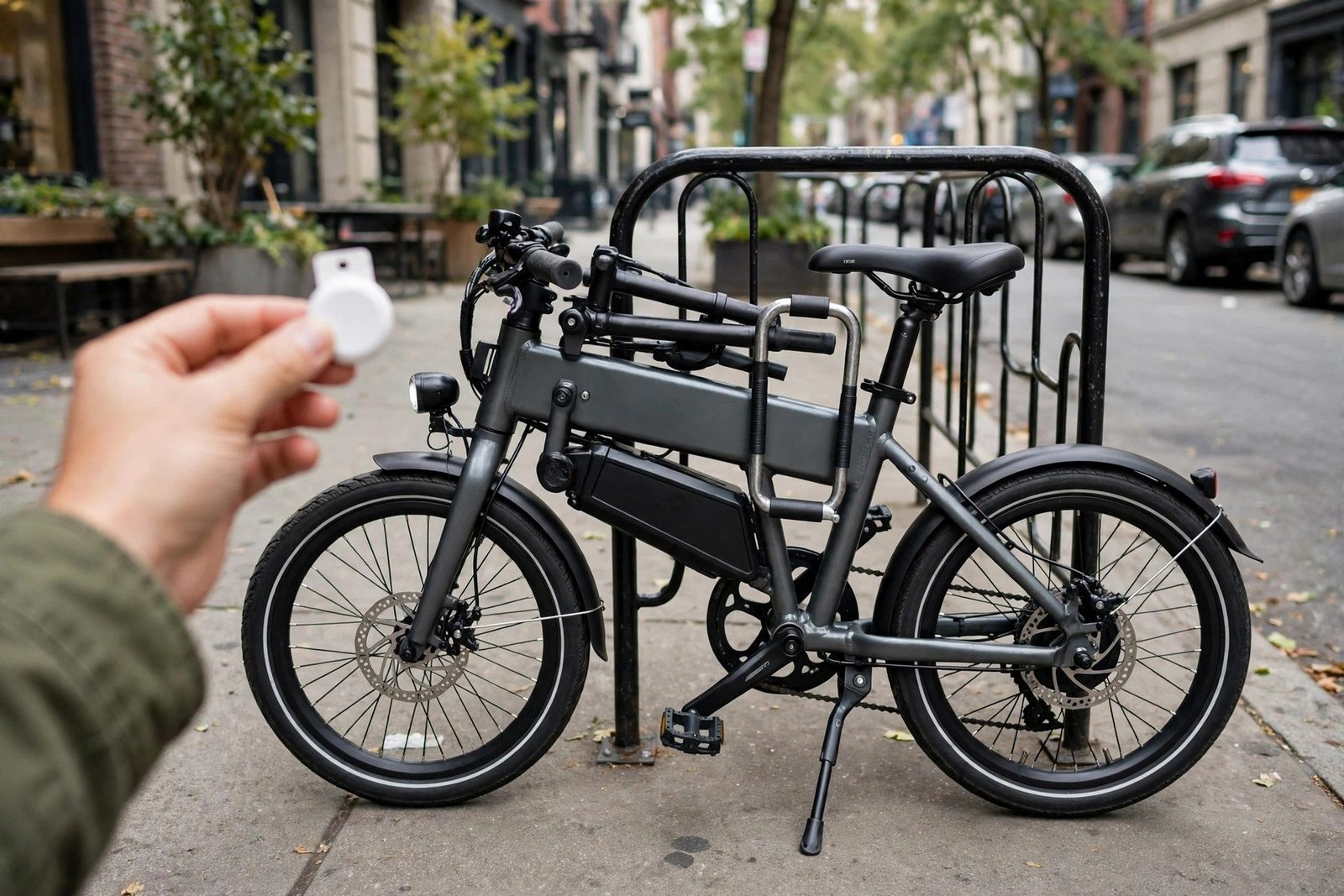
On an e-bike, the good spots are inside the seat tube (dropped in on a piece of foam so it does not rattle), taped inside the battery compartment on a removable-battery bike, under the bottle cage mount, or inside a saddle bag that looks like it holds a puncture kit. Do not put it under the saddle in plain sight, and do not stick it to the outside of the frame with a bright mount. The mount that advertises “tracker inside” is doing the thief’s job for them.
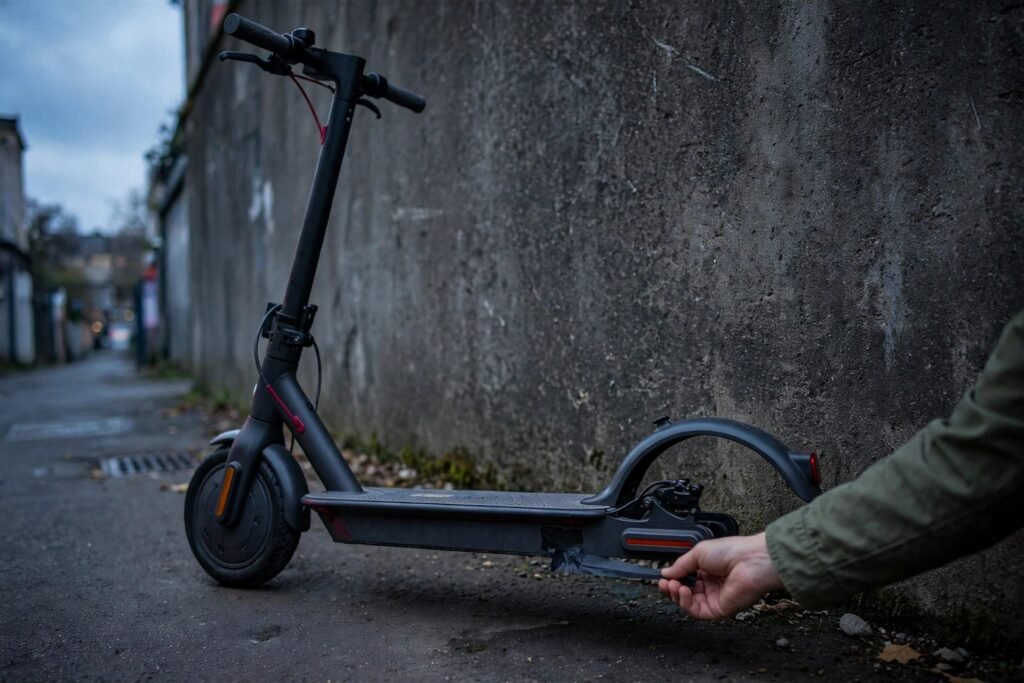
On a scooter, the deck is the obvious place and therefore the worst one — every thief checks the deck first. Better spots are inside the stem if it opens, taped under the deck near the rear wheel, or inside a bag clipped to the stem that looks like it holds a charger. Whatever spot you pick, test it first: put the tag there, walk fifty metres away with your phone, and check that the tag still shows up. A hiding spot that blocks the Bluetooth signal is as useless as no hiding spot at all.
One more thing worth doing on the day you fit it: turn the tag’s sound off if the app lets you, and check whether it alerts a thief’s phone. AirTags beep when they have been away from their owner for a while, and both iPhones and Android phones can warn their owner that an unknown tag is travelling with them. That is an anti-stalking feature, and it is a good one — but it means a thief with a phone may get warned that your bike has a tag. That is a reason to hide it well, not a reason to skip it. A tag the thief cannot find cannot be removed, warning or not.
✅ The bottom line
Buy the lock first, then the tracker, then write the serial number down. Pick the tag by your phone — AirTag for iPhone, Tile Pro for a mixed household, SmartTag2 for a Galaxy phone — hide it somewhere that needs a tool to reach, and test that it still pings from fifty metres away. If your ride is worth a lot and you park it where phones are scarce, add a real cellular GPS tracker when we have a verified one to recommend. And if the worst happens, give the location to the police and let them go and get it. The tracker did its job the moment it put a dot on the map.
📚 Related reading
- My E-Bike Was Stolen — What to Do
- Best E-Bike Locks (U-Locks, Chains, Folding Locks)
- How to Lock an Electric Scooter
- Do You Need Insurance for Your E-Bike?
- Best E-Bike Accessories for Commuters
Previous: Article #96 “How to Ride an Electric Scooter at Night (Lights, Visibility, and the Legal Minimum)“
Next: Article #98 “Do You Need a Second Battery for Your E-Bike? (The Honest Range Maths)“